Any TV + any laptop = an interactive classroom.
Every student's smart device is the pen. An interactive panel needs twenty-point glass because the whole class shares one surface. Your students already have touch screens in the room: a tablet, a laptop, whatever they bring. We connect them all to one live board.
Built in Kampala, for the devices families already own, on the data they can afford.
Fifteen minutes, in your own staff room, on your own TV.
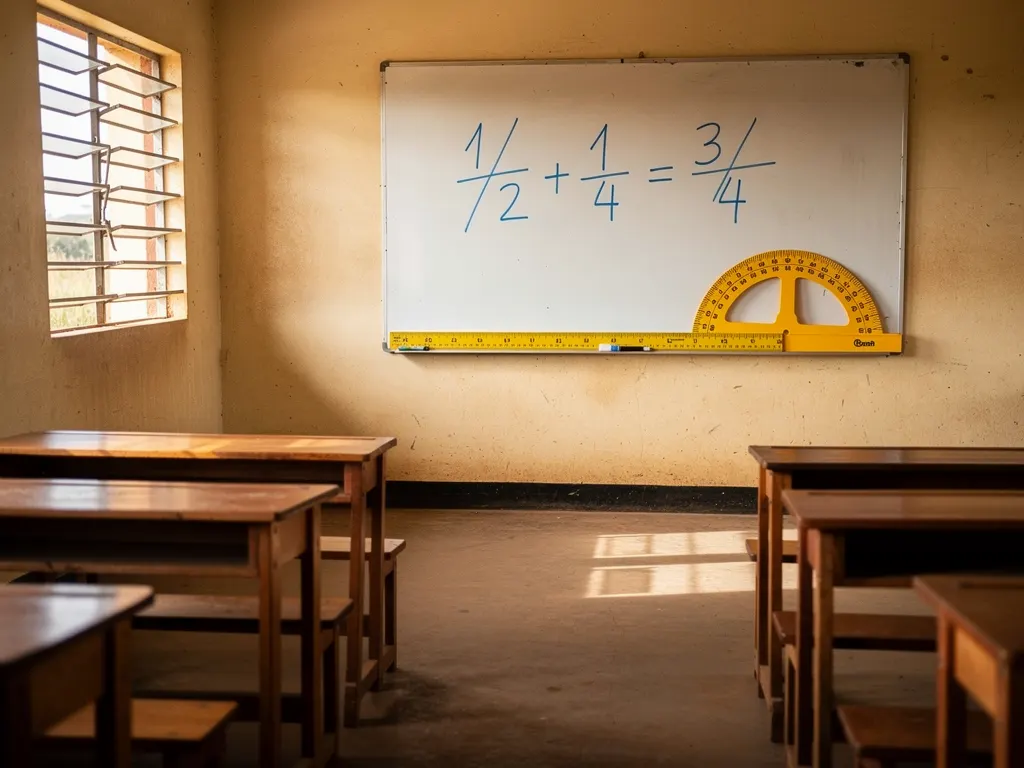
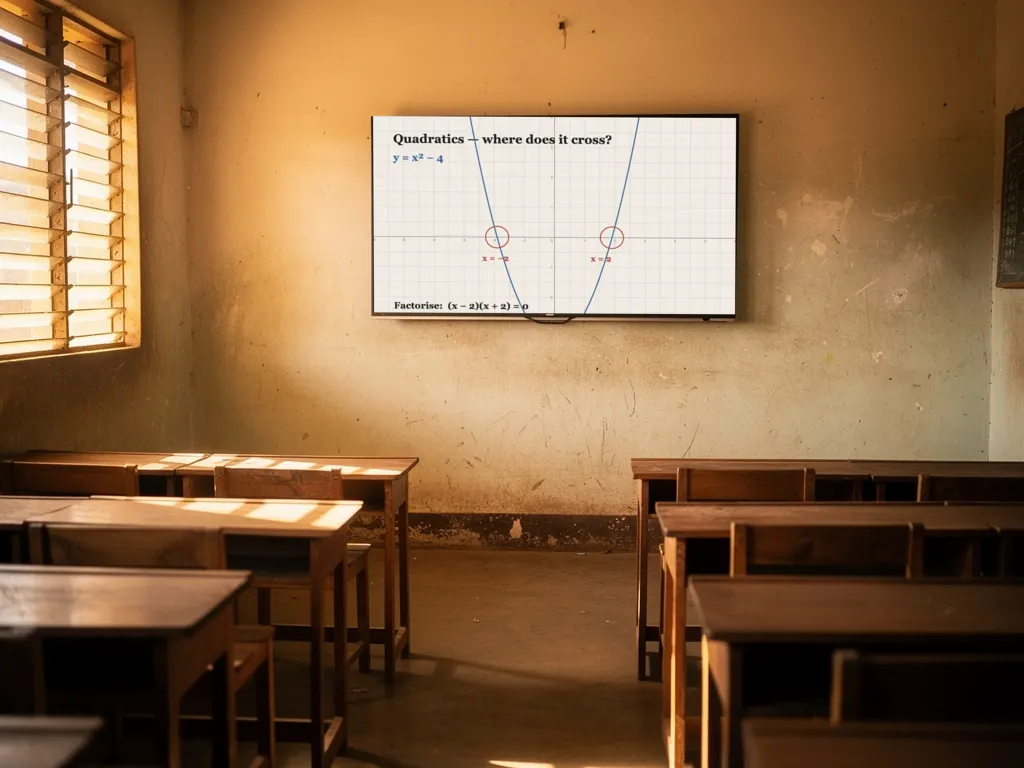
Against the panel on the wall
The same classroom, twice. The difference is not the screen at the front. It is how many people in the room can write on it.


| Interactive flat panel | The Classroom Board | |
|---|---|---|
| Hardware | A dedicated panel, bolted to one wall | Nothing to buy the TV or projector and the laptop your school already owns |
| Who can write | One person, whoever is standing at the glass | Every seat each student writes from where they already sit |
| Group work | Two to four zones on the one screen | Real groups the class splits into working groups in one tap, each with a shared board AND its own conversation, while the teacher hears every group at once and can step into any of them |
| Checking understanding | Walk around and look | One tap every child answers privately on their own device; the tally lands on the teacher's screen and on the TV |
| After the lesson | A photo of the board, if someone remembers | It replays the board redraws itself in step with the teacher, chat included, saved without anyone having to remember |
| Who can be in the room | Whoever is in the building | Anyone with the link the child kept home by a fever, the specialist teacher in another country. Same board, same register. |
| When the power or internet blips | A very large black rectangle | It reconnects the board, the chat and the lesson all survive |
What the board does: all of it live today
A real flipchart
Pages that turn for the whole class at once, with lined, squared, music-stave and numbered graph paper.
Handwriting becomes type
Circle a scribble and it becomes clean text. Write a formula and the board offers to plot the curve.
Shapes that behave
Rough circles, boxes and arrows snap true, with side lengths and angles labelled for geometry.
Every child answers
Polls with private votes, a spotlight, a shade to hide the answer, a fair random picker, a class countdown.
Desks
A private slate for every student. The teacher watches all of them live and lifts any child's work onto the big board.
Working groups
Split the class into groups in one tap. Each group shares a board and a conversation, and the teacher hears every group at once, stepping into any of them without being announced.
The lesson keeps
The board replays in step, page by page, stroke by stroke. Page export to WhatsApp, and a permanent record the school controls.
When someone cannot be in the room
The child who cannot come in is still in class
Sick, travelling, or kept home: they open the lesson link on the family's smart device and sit in their own seat. The same board, live. The same voice, for about the data of a WhatsApp call. The same private answers. And the register shows they attended, joined by home link.
The specialist teacher, from anywhere
The teacher your timetable cannot fill, for UNEB, Cambridge and, soon, IB subjects, takes the class through their teaching link from another town or another country. The class still meets in your classroom, on your TV, with your own staff member in the room.
What your school actually has to do
Buy nothing
A TV or projector you already own, a laptop, and the smart devices your students already carry. No panel, no trolley, no per-seat hardware.
Install nothing
It runs in the browser. No software on school machines, no app for a parent to download, nothing for your IT to maintain.
Keep your record
Every lesson is written up and the whiteboard is kept. The record belongs to the school, and you can print or export it.
Train nobody
A teacher who can use a whiteboard can use this one. Fifteen minutes in a staff room is the whole of the training we have ever given.
Start with one class
One teacher, one class, one term. Nothing about this needs a whole-school decision to find out whether it works for you.
Stop whenever
No lock-in and no notice period while we are pricing this with our first schools. If it is not helping, it should stop.
What your school gets back
Attendance is measured in the classroom itself, not copied from a register somebody filled in afterwards, so the termly figures are evidence rather than a summary of one.
The term, per class
Lessons taught, teacher time in the room, and how many of each class turned up against its roll.
In a file you can use
Download the term as a spreadsheet, or subscribe to the lesson calendar. No system to migrate to.
Group work you can supervise
A class can split into talking groups without a teacher losing the room: children are told they can be listened to, groups end on a timer, none can run without an adult present, and every one is recorded in the log.
What it costs
Bring a TV and a laptop you already own, then talk to us. We are pricing school licences with our first partner schools rather than printing a number nobody has tested. Write to lessons@cloud-fi.ug.
We built this for our own classrooms first. Invite us for a demonstration: fifteen minutes, in your own staff room. We pair your TV with the whiteboard, your teachers pick up their own phones, and they are teaching on it before the tea cools.